
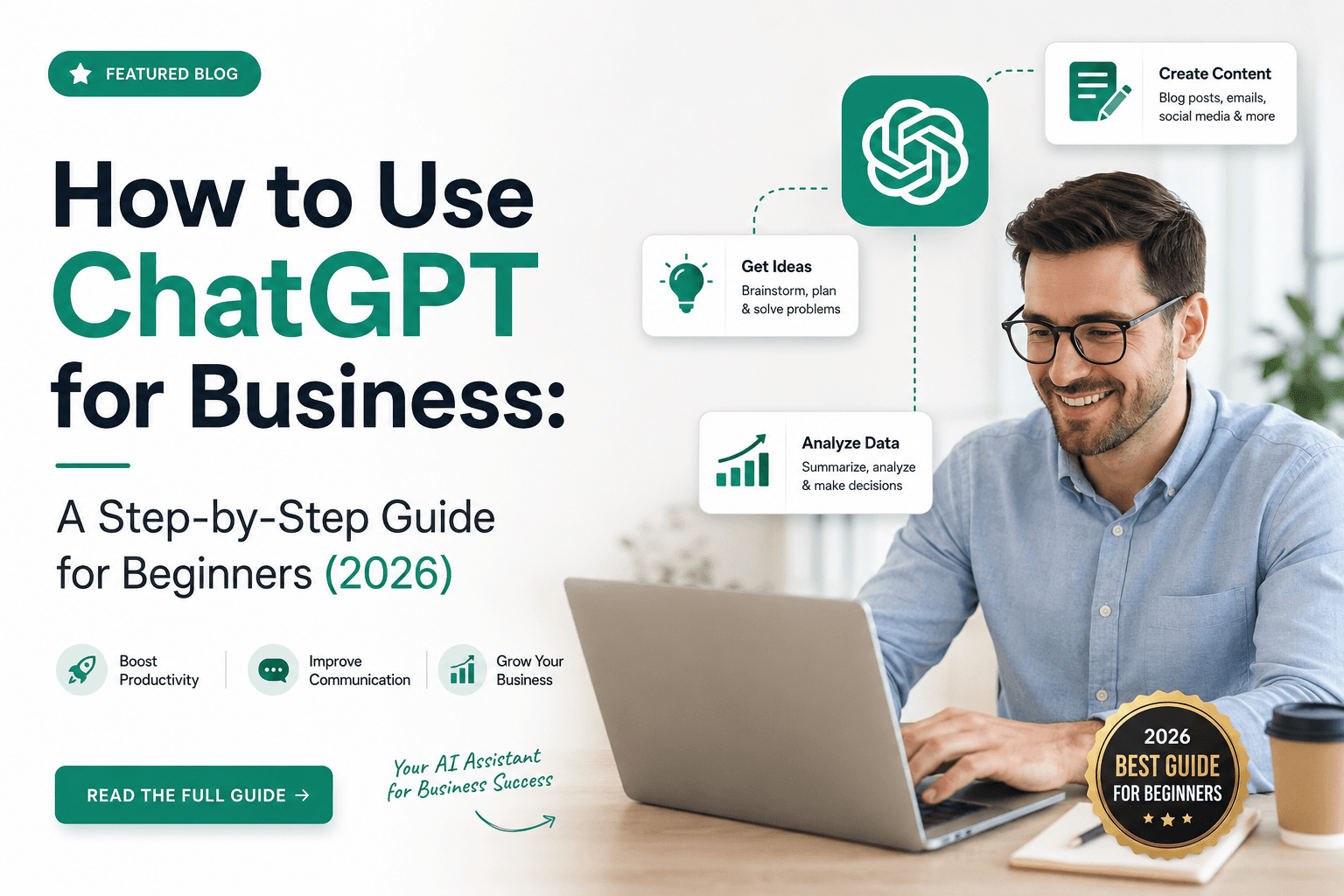
How to Use ChatGPT for Business: A Step-by-Step Guide for Beginners (2026)
Learn how to use ChatGPT for business with a practical 4-phase rollout plan covering setup, prompts, use cases, team adoption, and ROI.
Quick Answer
Learn how to use ChatGPT for business with a practical 4-phase rollout plan covering setup, prompts, use cases, team adoption, and ROI.
Search4online editorial content is structured for human readers, crawlers, and answer engines.
Start with a practical ChatGPT rollout plan
If you run a business, you have almost certainly heard that ChatGPT can save you hours every week. But between the hype, the prompt threads, and the endless lists of AI use cases, it can be hard to know where to actually start.
This guide cuts through the noise. Instead of throwing 50 prompts at you, it gives you a simple 4-phase framework: plan, set up, apply, and scale. The goal is to take you from your first login to a team that uses AI confidently every day.
Whether you are a solo founder, a small business owner, or someone leading a 50-person team, by the end of this article you will have a working plan you can put into action this week.
What ChatGPT actually is for your business
ChatGPT is an AI assistant built by OpenAI. You type instructions, called prompts, and it generates text, summaries, code, ideas, plans, scripts, and analyses.
Think of it as a junior employee who has read a huge amount of public information, works quickly, never gets tired, but still needs context and review. It can occasionally make things up, and it does not know the reality of your business unless you explain it clearly.
What it is great at
- Drafting written content fast.
- Brainstorming and reframing ideas.
- Summarising long documents.
- Structuring messy thoughts into clear formats.
- Helping with coding, formulas, and data wrangling.
What it is not great at yet
- Producing accurate financials or live data without help.
- Knowing your specific customers, pricing, or internal policies without context.
- Replacing human judgment on strategy, hiring, legal, or high-risk decisions.
Why more businesses are using ChatGPT in 2026
- Time savings: tasks that took an hour, such as drafting emails, writing job posts, or summarising calls, can often be reduced to a few focused minutes.
- Lower cost per output: a single team seat can cost a fraction of hiring a freelancer for the same volume of repetitive drafting work.
- Faster decisions: you can stress-test ideas, simulate customer objections, and review documents quickly.
- Consistency: Custom GPTs let you bake in brand voice and SOPs so output stays on-brand even when different people use the tool.
The 4-phase framework
Most people skip straight to use cases and wonder why they do not see results. A better rollout moves through four phases.
| Phase | Focus | Outcome |
|---|---|---|
| 1. Plan | Audit tasks and pick the first wins. | A short list of high-impact, low-risk workflows. |
| 2. Set up | Choose the plan, workspace, privacy rules, and connected tools. | A safer workspace your team can use consistently. |
| 3. Apply | Use ChatGPT for practical business tasks and prompts. | Reusable workflows across marketing, sales, service, and operations. |
| 4. Scale | Create SOPs, train the team, and measure ROI. | A repeatable AI operating system for the business. |
Phase 1: plan where AI will help most
Step 1: audit your repetitive tasks
Spend 15 minutes listing every task that happens weekly or more often, involves writing or summarising, and does not require deep human judgment.
Examples include replying to common customer emails, writing social posts, summarising meeting notes, drafting job descriptions, and creating proposals.
- Done weekly or more often.
- Involves writing, summarising, formatting, or first-draft thinking.
- Can be reviewed by a human before it reaches a customer or stakeholder.
Step 2: pick high-impact, low-risk starting points
Use a simple scorecard to decide what to test first. Pick two or three use cases from the high-time-saved, low-risk area for your first month.
| Task type | Low risk | High risk |
|---|---|---|
| High time saved | Start here: social posts, email drafts, meeting summaries. | Use with review: customer replies, contracts, sensitive reports. |
| Low time saved | Nice to have: one-off brainstorms. | Skip for now: financial filings, legal documents, regulated decisions. |
Step 3: set clear success metrics
Pick one number per use case. If you cannot measure it, you cannot tell whether AI is actually helping.
- Email drafts: cut writing time from 20 minutes to 5 minutes.
- Social posts: publish 5 per week instead of 2 per week.
- Customer replies: reduce first-response time by 50 percent.
Phase 2: set up the right plan and workspace
ChatGPT plans at a glance
Plans and prices change, so always check OpenAI's official pricing page before committing. The table below gives a simple decision framework.
| Plan | Best for | Key feature |
|---|---|---|
| Free | Trying it out solo. | Basic model access. |
| Plus | Individual founders and freelancers. | Faster speeds, advanced models, image features, and voice features. |
| Team | Small teams with multiple users. | Shared workspace, higher limits, and business-friendly data controls. |
| Business | Growing teams that need admin controls. | Admin console, workspace controls, and stronger governance. |
| Enterprise | Large companies. | Advanced security, custom controls, and dedicated support. |
Protect your data before you paste anything
Before using ChatGPT with work material, agree on what is allowed and what is not. A simple internal rule works well: if you would not email it to a random vendor, do not paste it into ChatGPT.
- Check workspace privacy settings before adding sensitive business content.
- Avoid pasting customer PII, payment information, passwords, NDA material, or confidential contracts.
- Use a team or business workspace when multiple people need repeatable access and governance.
Connect the tools that give ChatGPT context
ChatGPT can connect to business tools such as documents, calendars, email, CRMs, and project systems depending on your plan and settings. Set these up carefully so your AI assistant can reference real documents instead of guessing.
Phase 3: apply ChatGPT to practical business workflows
This is where most people start. With planning and setup complete, the prompts below become much more useful.
1. Marketing and content
Use ChatGPT to generate blog outlines, social posts, ad copy, email newsletters, editorial calendars, and repurposed content.
Prompt example: Act as a content strategist for a bakery in Pune. Create a 4-week social content calendar with 3 posts per week. Mix product highlights, behind-the-scenes, and customer stories. Use a warm, friendly tone. Output as a table with date, platform, topic, and caption.
2. Sales and outreach
Use it to draft cold emails, personalize warm outreach, and build objection-handling scripts.
Prompt example: Write a 3-email cold sequence to a CMO at a B2B SaaS company. Goal: book a 20-minute call about our analytics tool. Each email should be under 120 words. Make the third email a polite breakup.
3. Customer service and support
Use ChatGPT to draft replies to common questions, build a knowledge base, train a Custom GPT on FAQs and policies, and translate replies into other languages.
Prompt example: Reply to this unhappy customer email. Tone: empathetic, professional, solution-focused. Offer a refund or replacement. Keep it under 100 words. [Paste email]
4. Operations and admin
- Summarise meetings and extract action items.
- Convert messy notes into SOPs.
- Draft project briefs and status updates.
5. HR and hiring
- Write job descriptions.
- Screen resumes against criteria, never as the final decision.
- Draft interview questions and scorecards.
- Create onboarding plans.
6. Finance and reporting
Use ChatGPT to summarise reports, explain numbers in plain English, build expense category templates, and draft investor updates.
Important: ChatGPT can confidently produce wrong numbers. For real financial projections, use a spreadsheet or finance tool and use ChatGPT only to explain or summarise.
7. Product research and strategy
- Run competitor analysis.
- Build customer personas.
- Stress-test pricing.
- Draft surveys.
8. Training and onboarding
- Turn an SOP into a quiz.
- Generate role-play scenarios for sales and support training.
- Create week-by-week onboarding plans.
The CRAFT prompt formula
Bad prompts are one of the biggest reasons people give up on ChatGPT. Use this formula to get better outputs in less time.
- C - Context: who you are and what situation the answer should account for.
- R - Role: what ChatGPT should act as.
- A - Action: the exact task you want completed.
- F - Format: the output format, such as table, bullet list, email, or brief.
- T - Tone and constraints: voice, length, style, and anything to avoid.
Weak prompt
Write me a marketing email.
CRAFT prompt
I run a small accounting firm in Mumbai serving freelancers. Act as an email copywriter. Write a welcome email for new clients explaining our 3 onboarding steps and what they should send us. Format as a 150-word email with a clear subject line and a friendly P.S. Tone: warm and confidence-building. Avoid jargon.
Build a Custom GPT or Project for repeatable tasks
Custom GPTs and Projects let you save instructions, files, and tone once. Then anyone on your team can get consistent output without writing a long prompt every time.
Upload 2 to 5 reference files, such as your brand guide, FAQs, example emails, or service descriptions, and write a clear set of instructions.
- Brand Voice Editor: paste any draft and get it rewritten in your brand voice.
- Customer Support Drafter: trained on your FAQs and refund policy.
- Meeting Summariser: extracts decisions, owners, and deadlines.
- Proposal Builder: pulls from your services list and pricing.
- Social Media Repurposer: turns blogs into posts across platforms.
Phase 4: scale ChatGPT across your team
Create simple SOPs
For each task you automate or assist with ChatGPT, write a one-page SOP.
- Which Custom GPT or prompt to use.
- What to paste in.
- What to check before sending.
- Where to save the output.
Train your team in 60 minutes
- 0-15 minutes: explain what ChatGPT is, what it is not, and the privacy rules.
- 15-35 minutes: demo your 3 starter use cases live.
- 35-55 minutes: each person tries one prompt on a real task.
- 55-60 minutes: collect questions and agree on next steps.
Measure ROI
Every month, track a few practical metrics. If the numbers do not move in 60 days, your prompts or use cases need rework, not necessarily the tool itself.
| Metric | Before | After | Time or money saved |
|---|---|---|---|
| Hours spent on emails per week | Baseline | Current | Impact |
| Posts published per month | Baseline | Current | Impact |
| Response time to leads | Baseline | Current | Impact |
| Cost per blog post | Baseline | Current | Impact |
Common mistakes to avoid
- Pasting sensitive data without checking workspace privacy settings.
- Trusting numbers blindly. Always verify financials, statistics, and quotes.
- Using one giant prompt instead of breaking complex tasks into steps.
- Publishing AI output as-is without your voice, judgment, or fact-checking.
- Skipping the planning phase and chasing every shiny use case.
- Not training your team. Buying seats nobody uses is just waste.
- Ignoring updates. Features change often, so check official release notes.
Pro tips from power users
- Save your best prompts in a shared document. Treat them like company assets.
- Ask ChatGPT to critique its own output. A prompt such as "What is weak about this draft?" often unlocks a better version.
- Use it as a thinking partner, not just a writer. Ask it to argue against a strategy to reveal blind spots.
- Chain prompts by outlining first, then expanding sections one by one.
- Use voice mode for quick brainstorming, then ask for a written summary.
- Always fact-check statistics, names, dates, and legal language.
Quick-start checklist for your first 7 days
- List 5 repetitive tasks in your business.
- Pick 2 starter use cases that are high-impact and low-risk.
- Set 1 measurable goal per use case.
- Choose the right ChatGPT plan.
- Check privacy settings and write a team rule.
- Test the CRAFT prompt formula on a real task.
- Build your first Custom GPT.
- Write a one-page SOP.
- Train your team in a 60-minute session.
- Review results in 30 days.
Conclusion: start small, win big
You do not need to transform your business with AI overnight. You need two use cases that save you four hours a week. That is it.
Knowing how to use ChatGPT for business is not about chasing 50 prompts. It is about picking the right tasks, setting up safely, applying a simple prompt formula, and scaling what works.
Pick one workflow today. Use the CRAFT formula. See the time you save. Then add the next one.
In 90 days, you may wonder how you ran the business without it.
Frequently asked questions
Is ChatGPT safe to use for business?
Yes, if you use the right plan and settings. Avoid pasting customer PII, passwords, NDA material, or sensitive internal data, and set a clear internal usage rule.
Which ChatGPT plan is best for small business?
For solo founders, Plus may be enough. For teams of 2 or more people, a team or business workspace is usually worth considering because it gives shared access, admin controls, and stronger governance.
How much does it cost to use ChatGPT for business?
Free plans exist but are limited. Paid plan pricing changes over time, so check OpenAI's official pricing page before making a decision.
Can ChatGPT replace employees?
No. It is an assistant, not a replacement. It works best when it handles repetitive drafting and analysis while your team focuses on judgment, relationships, and strategy.
What are the best ChatGPT prompts for business?
The best prompts follow the CRAFT formula: context, role, action, format, tone, and constraints. Specific, structured prompts beat vague ones.
Can I use ChatGPT to write a business plan?
Yes, for narrative sections such as executive summary, market analysis, and marketing strategy. Do not rely on it for financial projections without real data and spreadsheet verification.
What is a Custom GPT and do I need one?
A Custom GPT is a saved version of ChatGPT with your instructions, files, and tone baked in. If multiple people repeat the same task, such as replying to FAQs or writing proposals, a Custom GPT can make outputs more consistent.
How do I measure if ChatGPT is helping my business?
Set 1 or 2 numbers before you start, such as hours saved per week, output volume, response time, or cost per deliverable. Compare the results after 30 and 60 days.